Team
Organizations
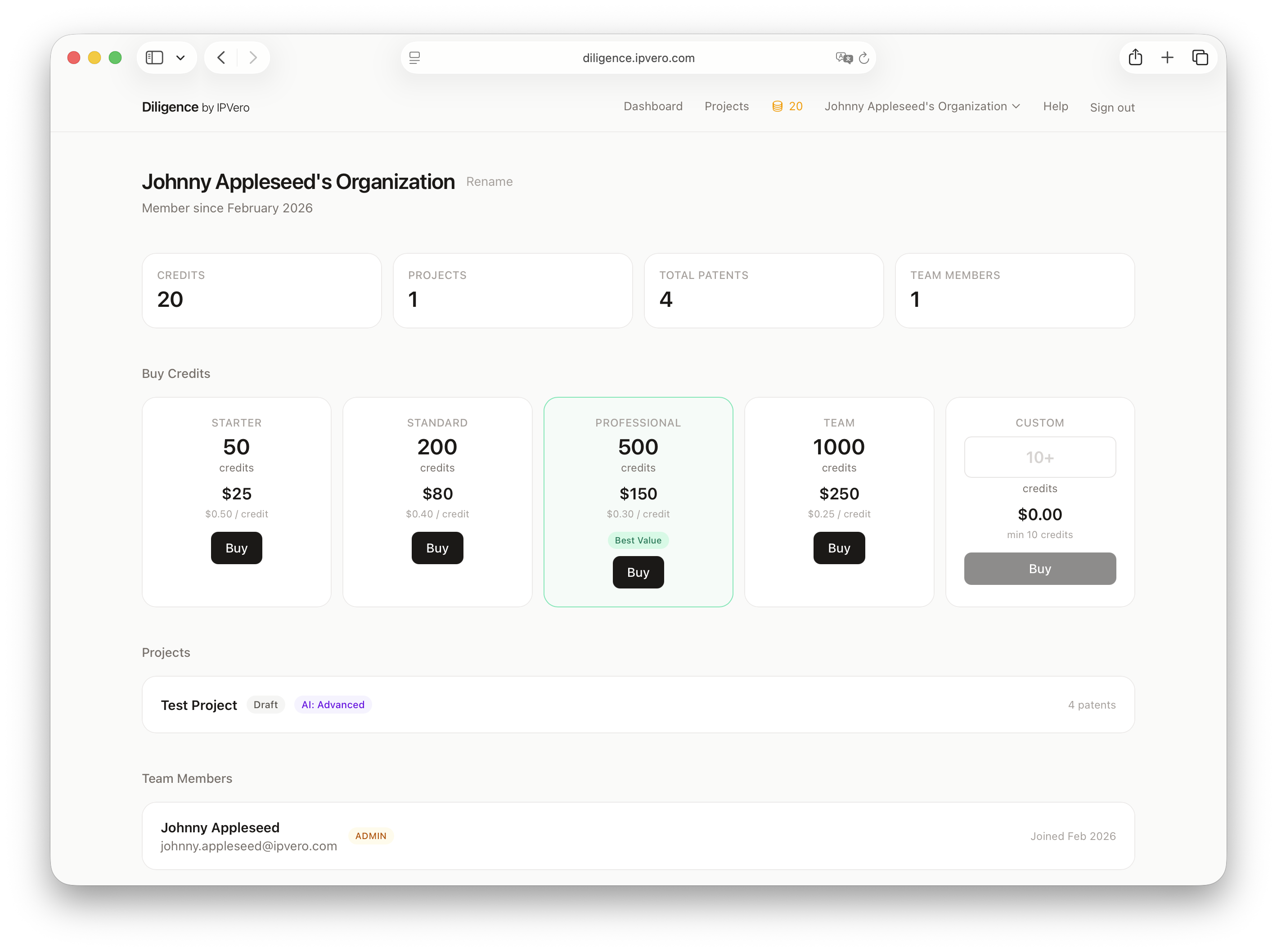
Organizations group your team members and projects together.
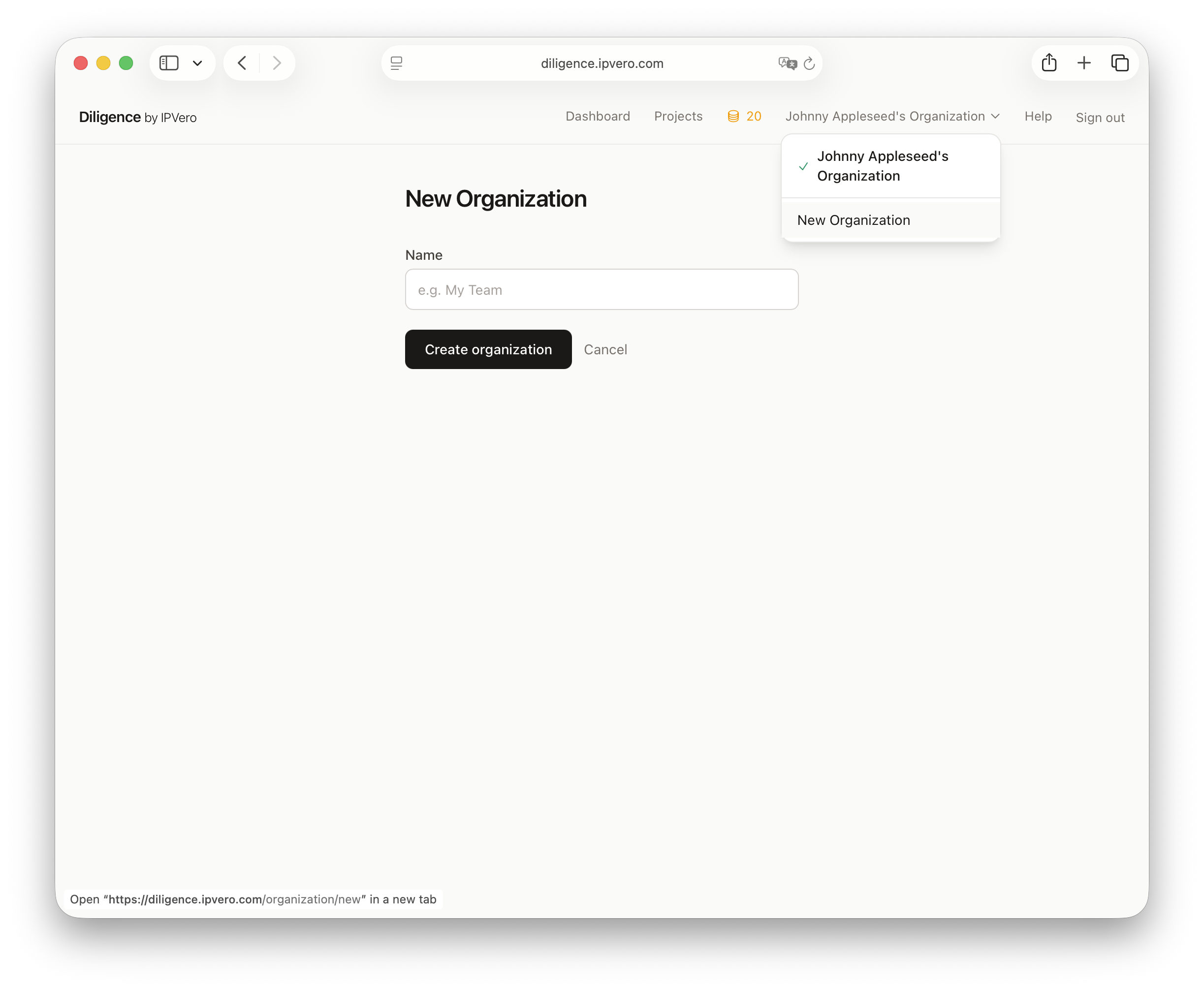
Creating an Organization
- Click your organization name in the navbar
- Select New Organization
- Enter a name for the organization
Switching Organizations
If you belong to multiple organizations, use the dropdown in the navbar to switch between them. Each organization has its own:
- Projects and patents
- Credit balance
- Team members
Managing Your Organization
Visit the organization settings page to:
- Update the organization name
- View credit balance and purchase history
- Manage team members and roles
- Archive the organization when no longer needed