Team
Invitations & Roles
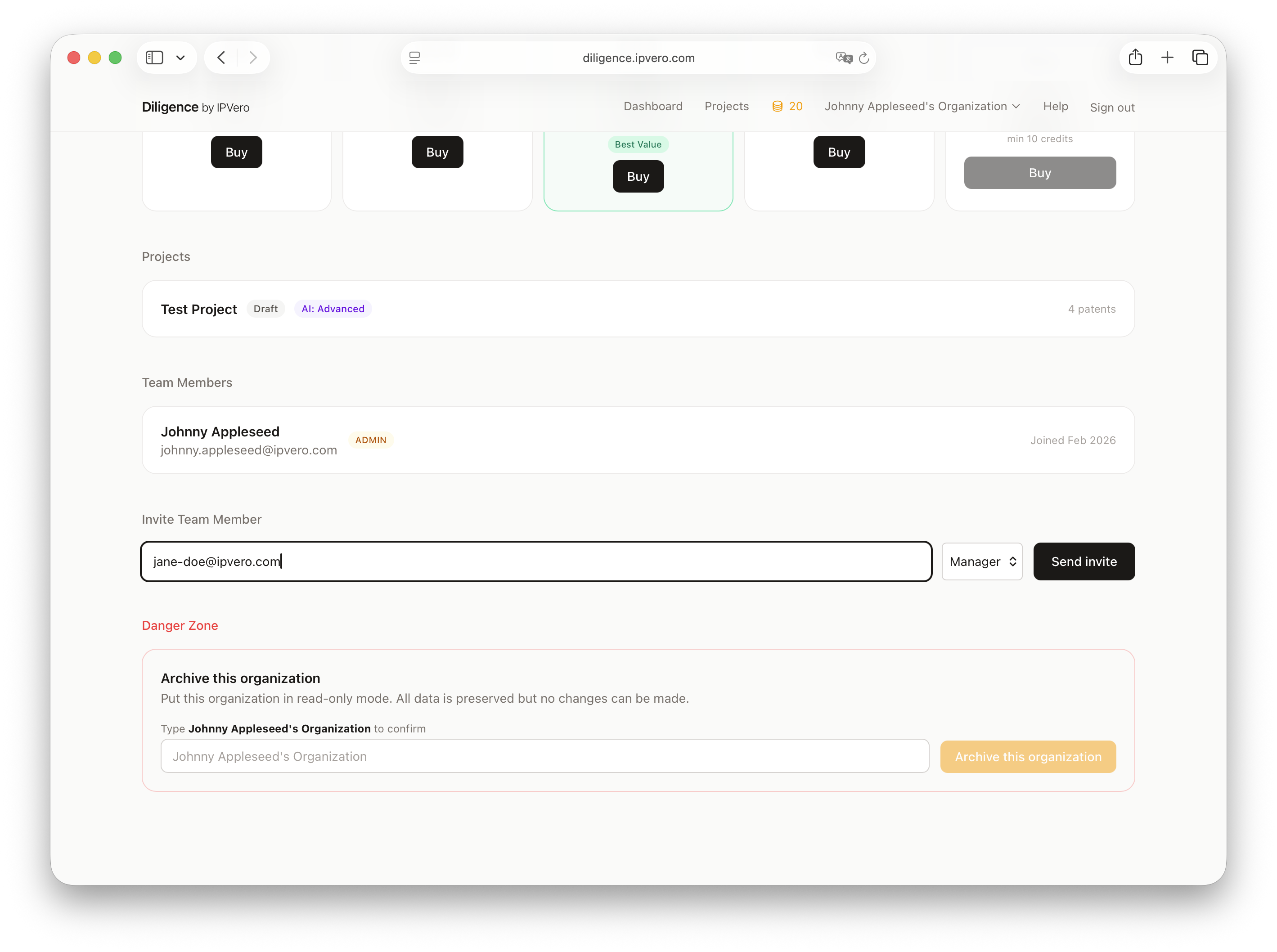
Invite team members to collaborate on your patent reviews.
Sending Invitations
- Go to your organization settings
- Enter the email address of the person you'd like to invite
- Click Send Invitation
Accepting Invitations
Invited users receive an email with a link to accept the invitation. If they don't have an account, they'll be prompted to create one first.
Roles
Team members have access to all projects within the organization. Organization management (billing, invitations) is available to the organization owner.