Patents
Adding Patents
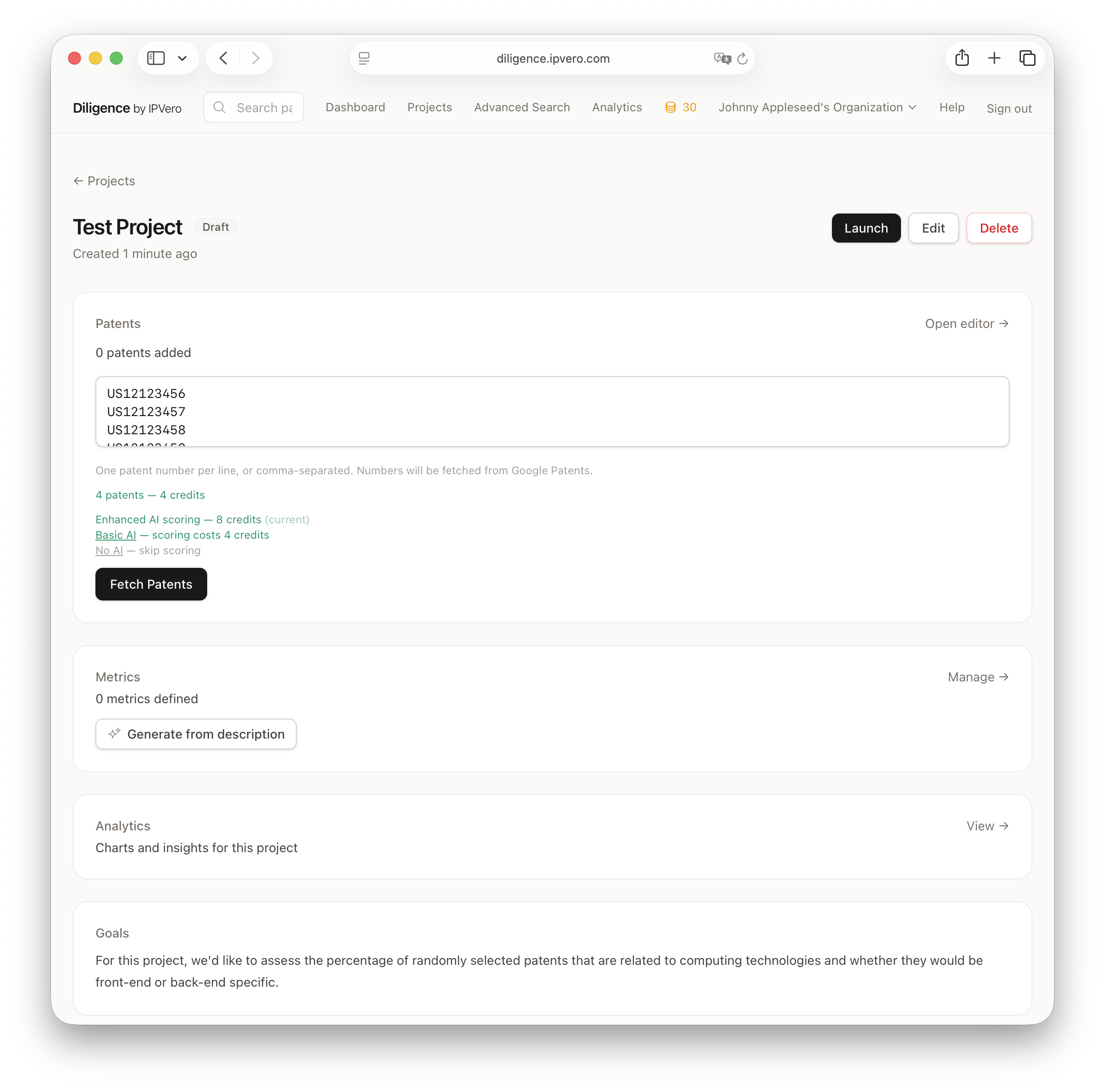
Patents are fetched automatically from public patent databases when you provide their numbers.
Adding Patents
- Open a project
- Enter one or more patent numbers in the input field
- Click Add Patents
- Patents will be fetched in the background
Supported Formats
Diligence accepts patent numbers in various formats:
- US patent numbers (e.g.,
US10123456) - Application numbers (e.g.,
US20200123456A1) - Numbers with or without country prefix
Fetch Status
After adding, patents go through these states:
- Pending — queued for fetching
- Fetched — data retrieved successfully
- Failed — could not retrieve data (check the number)
Failed patents can be cleared from the collection view.