Scoring
Manual Scoring
Score patents by hand using the metrics you've configured for your project.
Scoring a Patent
- Open a patent from the project's patent list
- Scroll to the scoring panel below the patent details
- Fill in each metric value
- Scores are saved automatically as you make changes
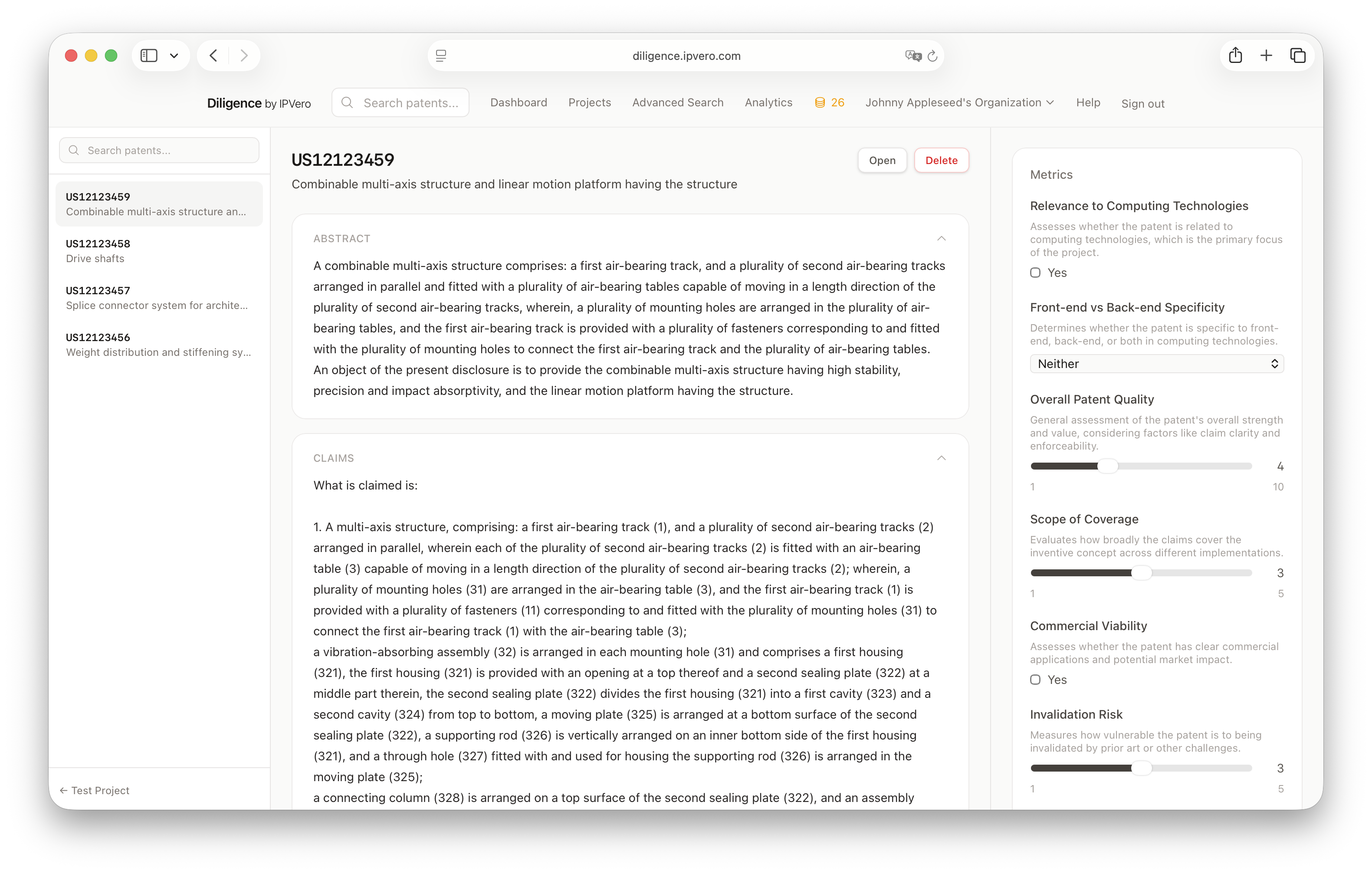
Score Types
Each metric type has its own input:
- Integer — number input with min/max boundaries
- Boolean — toggle switch
- Text — text area
- Choice — dropdown selector
- Checklist — checkboxes for multiple selections
Reviewing Scores
The patent list shows a completion indicator so you can quickly see which patents still need scoring.