Getting Started
Welcome to Diligence — a patent review and scoring platform for teams.
This guide walks you through the basics of setting up your account and starting your first project.
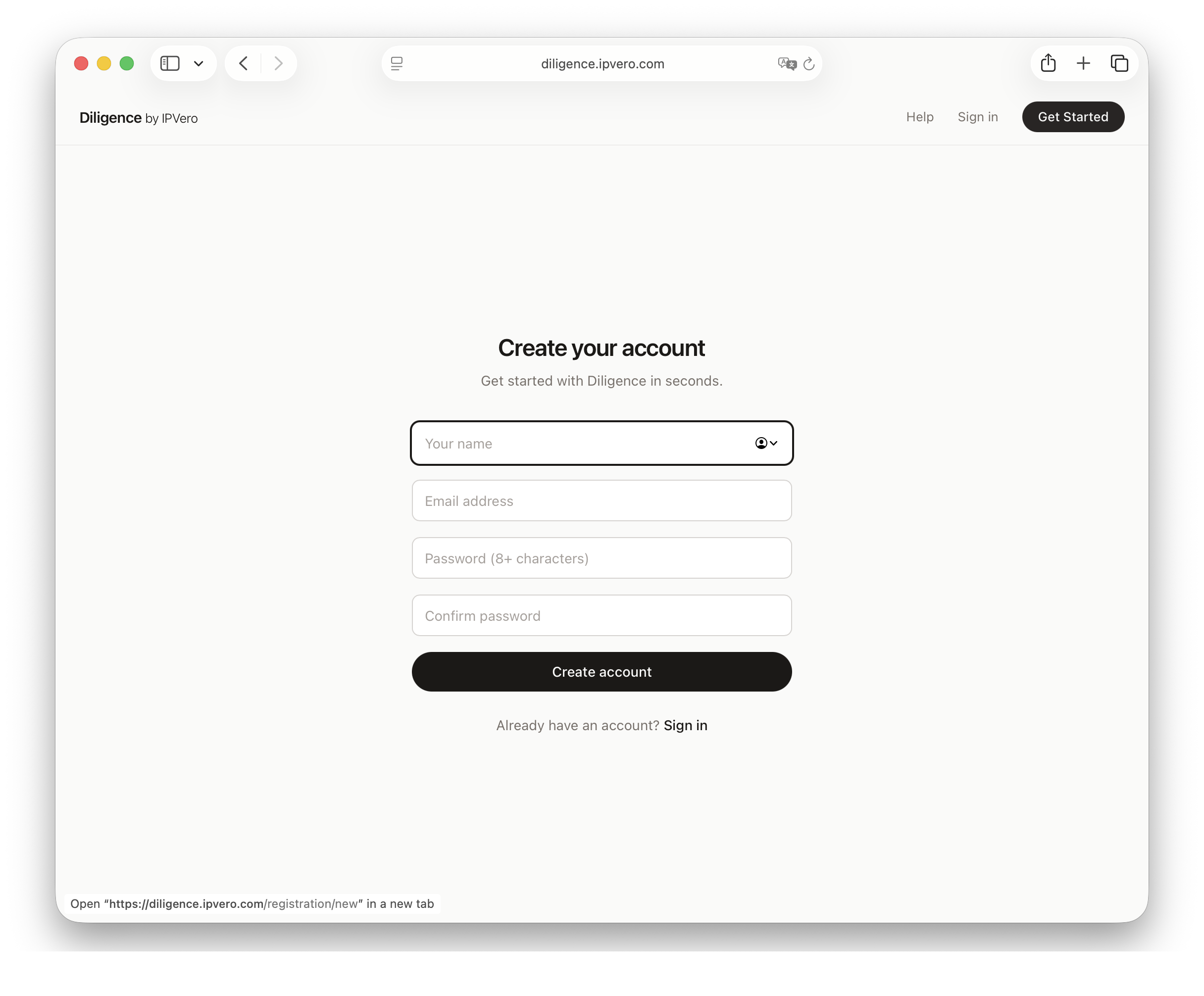
Creating Your Account
- Visit the home page and click Get Started
- Enter your name, email, and password
- You'll be taken to your dashboard
Your Dashboard
After signing in, the dashboard shows an overview of your organizations and projects. From here you can:
- Create or switch organizations
- Open existing projects
- View credit balance
Quick Start
- Create an organization — this groups your team and projects together
- Create a project — define goals for what you're evaluating
- Add patents — paste patent numbers to fetch details automatically
- Set up metrics — define how patents should be scored
- Score patents — manually or with AI assistance
Continue to the next section to learn about projects in detail.